

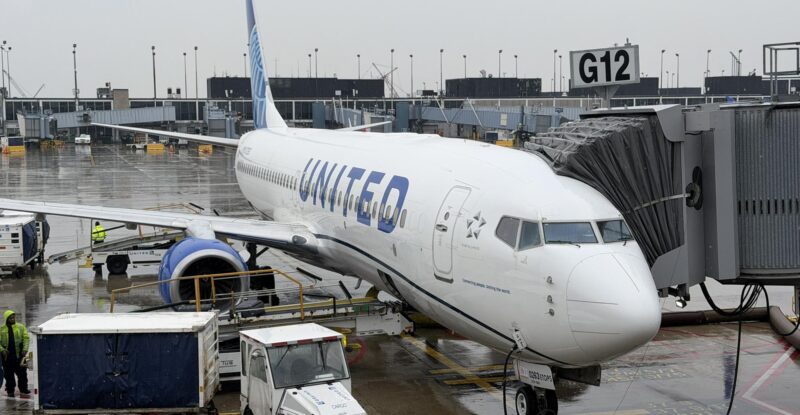
 New Yorkers are spoiled, and we’ll be the first to admit it. Many of us have an abnormally low tolerance for time-wasting activities, and that extends to connecting flights. The reason is simple: we are able to get to the vast majority of popular domestic U.S. destinations with a nonstop flight aboard one or more airlines.
Recently, for the first time in as long as I can remember, an unfavorable United Airlines schedule change forced my hand, making me choose a one-stop itinerary from Newark Liberty to Seattle. While I knew I wouldn’t enjoy the extra time and potential risk of delay that this change would introduce, I figured it would be a valuable experience to see how far United has come with its digital tools — both with the app and in reality — to make a connecting itinerary as easy as possible.
I was originally booked on an 11 a.m. departure to Seattle. When the global price of jet fuel spiked earlier this year, that non-stop frequency from Newark was among the first cuts to the schedule. United moved me to a 7 a.m. departure, which is simply impractical for me to get to from Brooklyn. The airline agreed in a customer support chat to move my departure from Newark to New York LaGuardia with a connection through one of its hubs. I chose Chicago O’Hare over Denver, as it’s the airport I am most familiar with.
My itinerary of choice provided an hour-and-20-minute connection time, which should be plenty of time under normal circumstances, but one can never count on New York airspace to provide normal circumstances.
I was anxious in the days leading up to the flight, but as the day approached and with the weather looking good, I felt increasingly confident that it would be a pretty seamless experience.
While I have raved about United’s industry-leading mobile app in the past, I have never seen first-hand the features that are activated for connecting passengers. The app’s “Travel” tab, something I generally don’t pay much attention to on simple journeys, transformed into a practical data dump of everything relevant to my journey.
It clearly listed my arrival gate at ORD, how long it would take to walk to my connecting gate, turn-by-turn walking directions, the status of the inbound flight overlaid on a weather radar map, airport conditions, boarding status of the connecting flight, and other useful information.
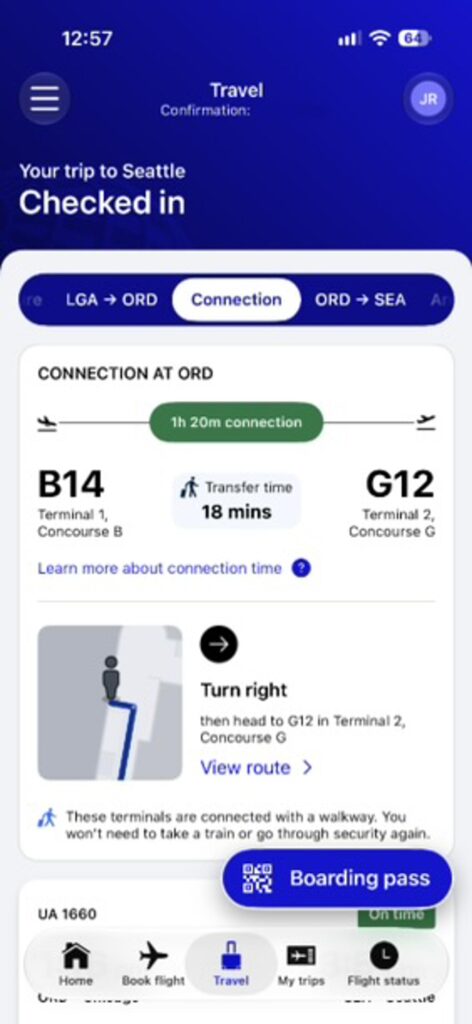
The tab runs so long that I had to take multiple screenshots and stitch them altogether just to get a clear view of everything it had to offer.
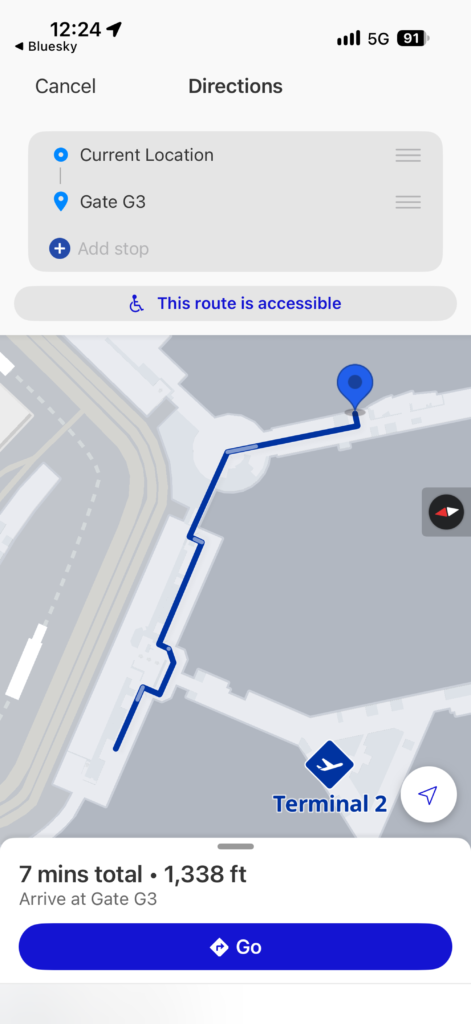
The only miss here was that the turn-by-turn walking navigation was always pointing me to an incorrect gate — one not even in the same terminal as my connecting flight, which is obviously not great. United’s effort here is admirable, however, and the quirk can be ironed out.
United has invested time and money in its seatback IFE user interface, and as ever, I enjoy the personal touch.
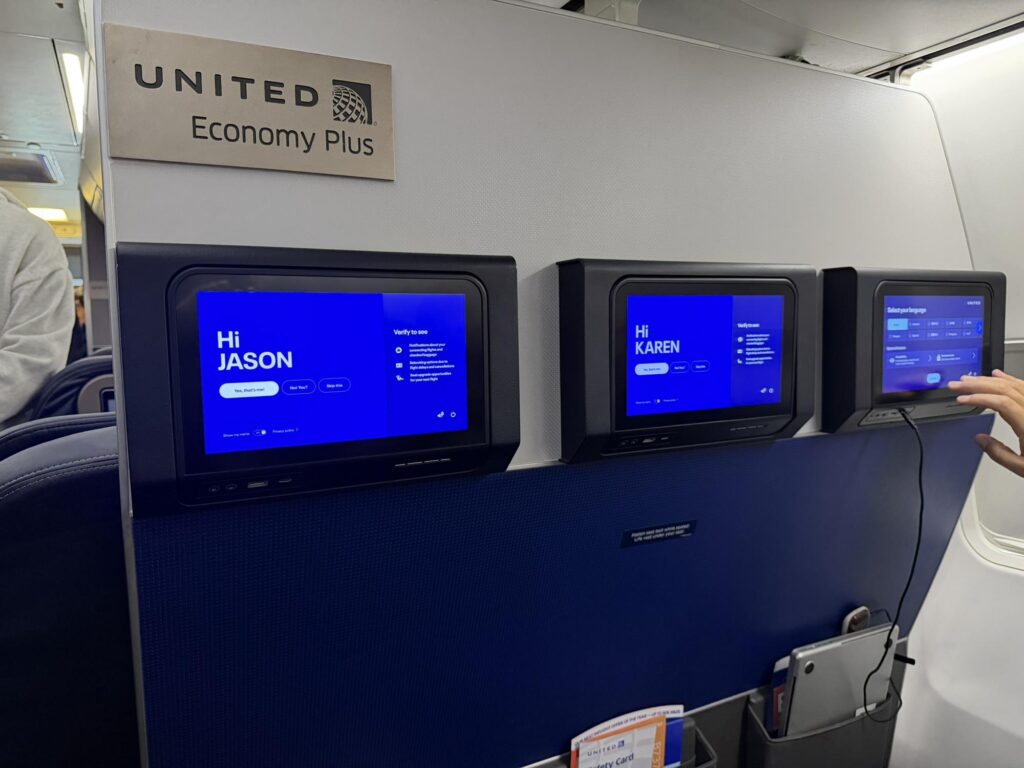
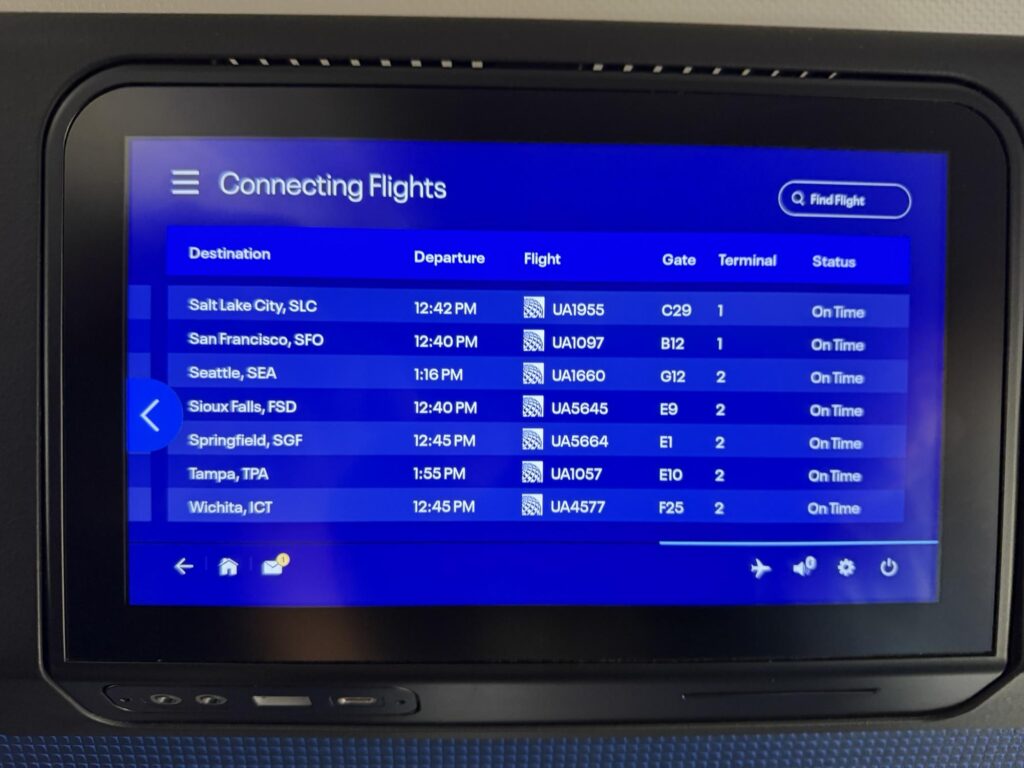
I was, however, a little surprised to see that even though the screens on my Boeing 737-800 out of LaGuardia offered key real-time flight information, this part of the experience wasn’t customized to my specific flights.
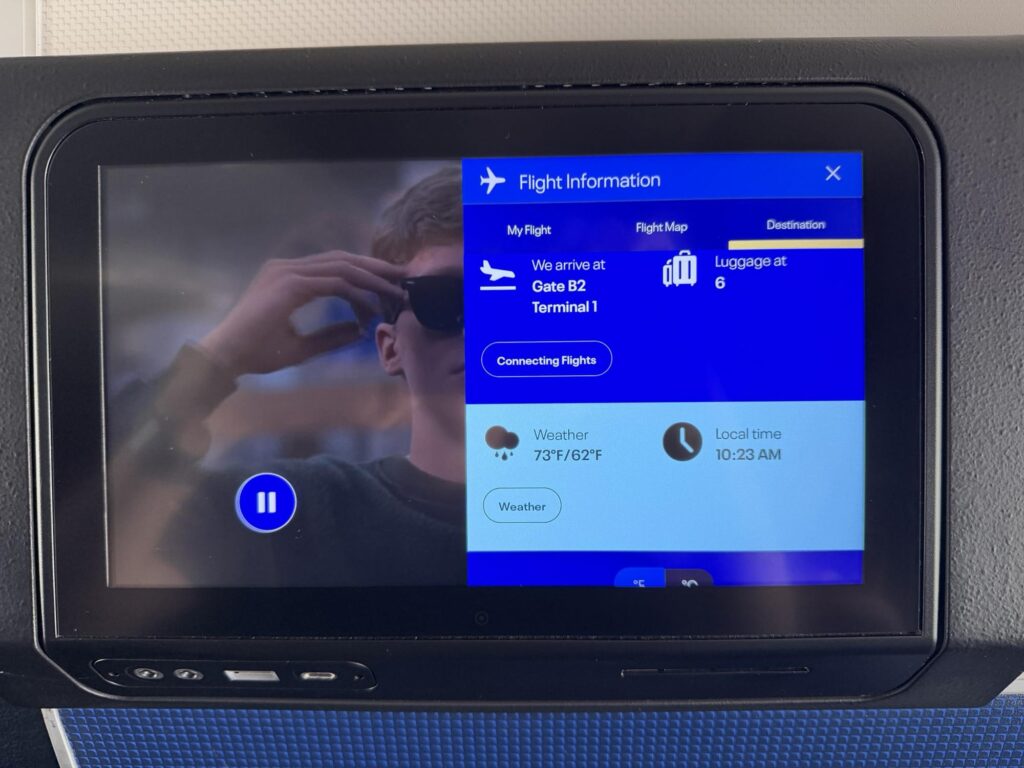
Rather, the screen only listed every connection.
I did find the connection information relevant to my journey, but airlines have been doing this sort of thing for ages.
I was expecting more here, especially as I had logged into the screen with my personal information.
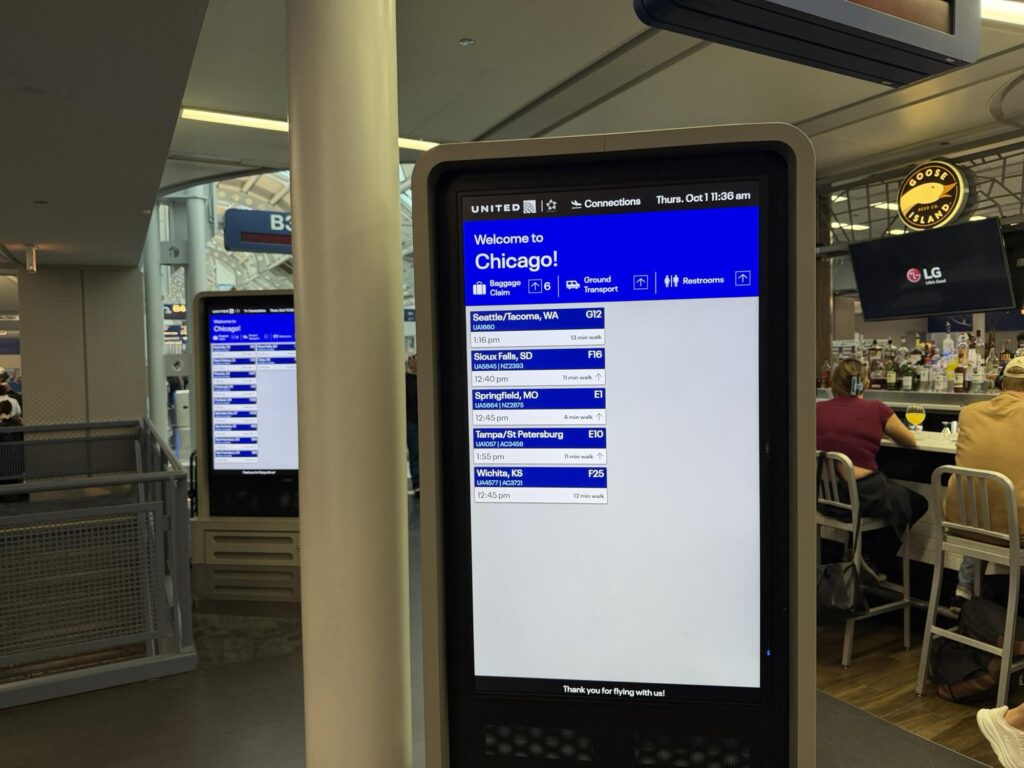
United has a great setup in Chicago O’Hare Terminal 1, and a large digital display reads out connections once again with gate numbers and approximate walking time. I also received a text message with the same details.
United’s app is also accessible, and has been for some time.
At this point, if anyone doesn’t know where their connecting flight is departing from, it’s on them.
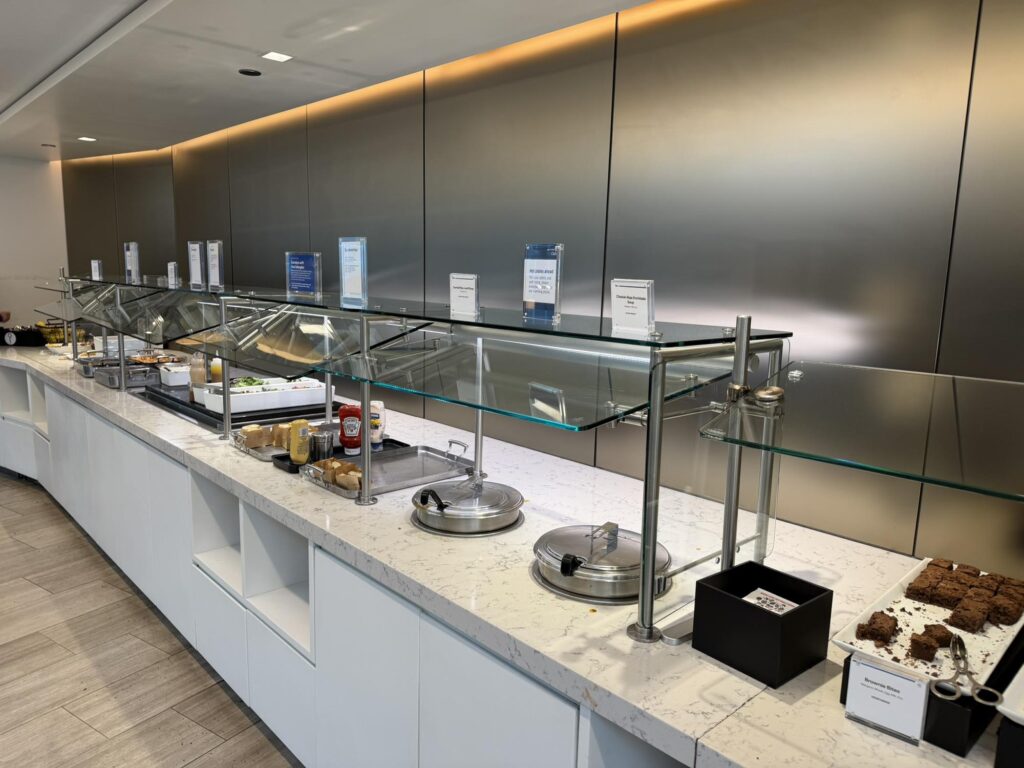
Despite the tighter turnaround, I was eager to boost my connecting experience with a visit to a United Club for a quick lunch.
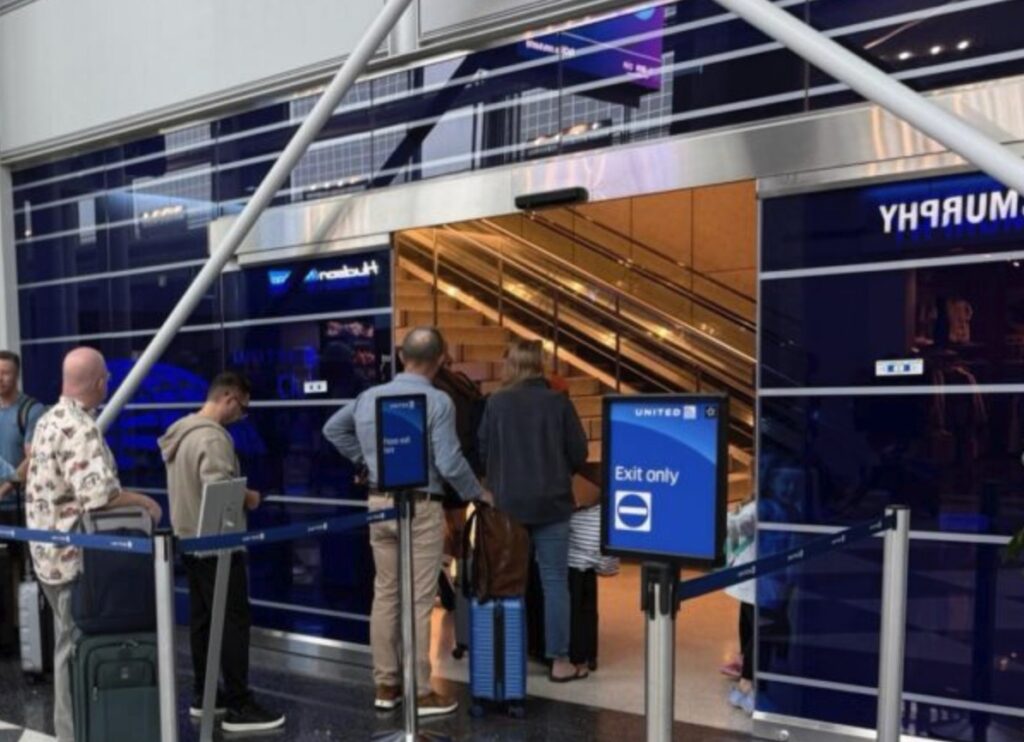
In late 2025, United announced a new “closest and best“ feature that recommends nearby United Club lounges, and reads out their capacity. However, I couldn’t find this feature anywhere in the app and instead had to figure out the nearest United Club location for myself, using the app’s map. Thankfully, there was one right near my arrival gate.
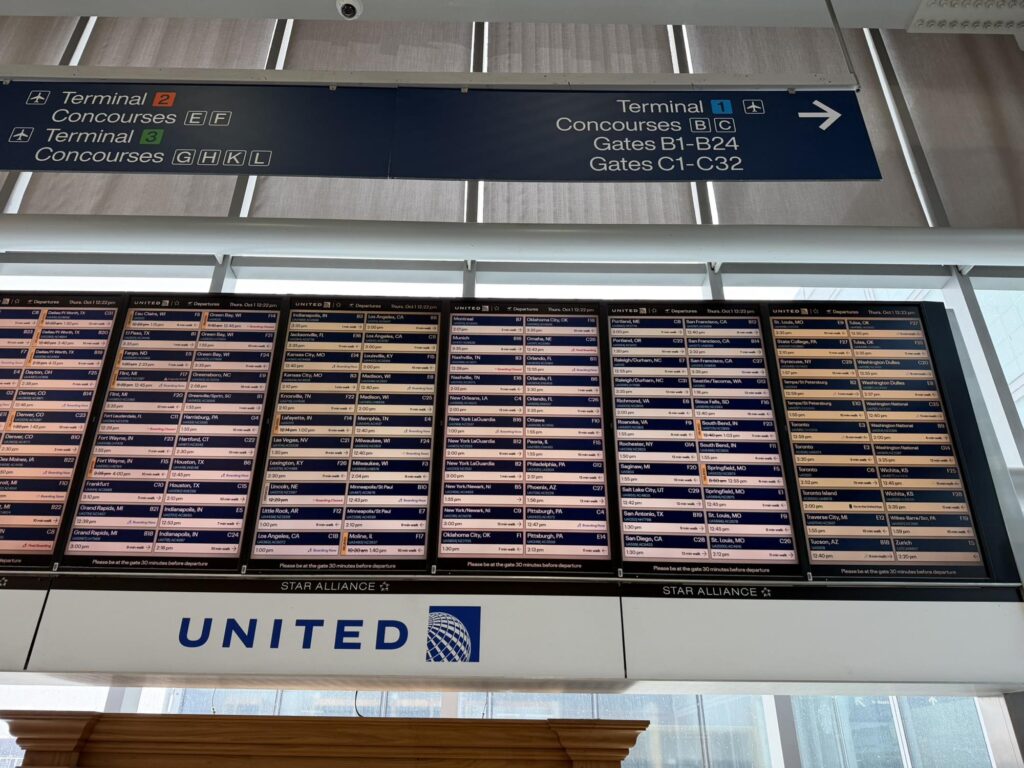
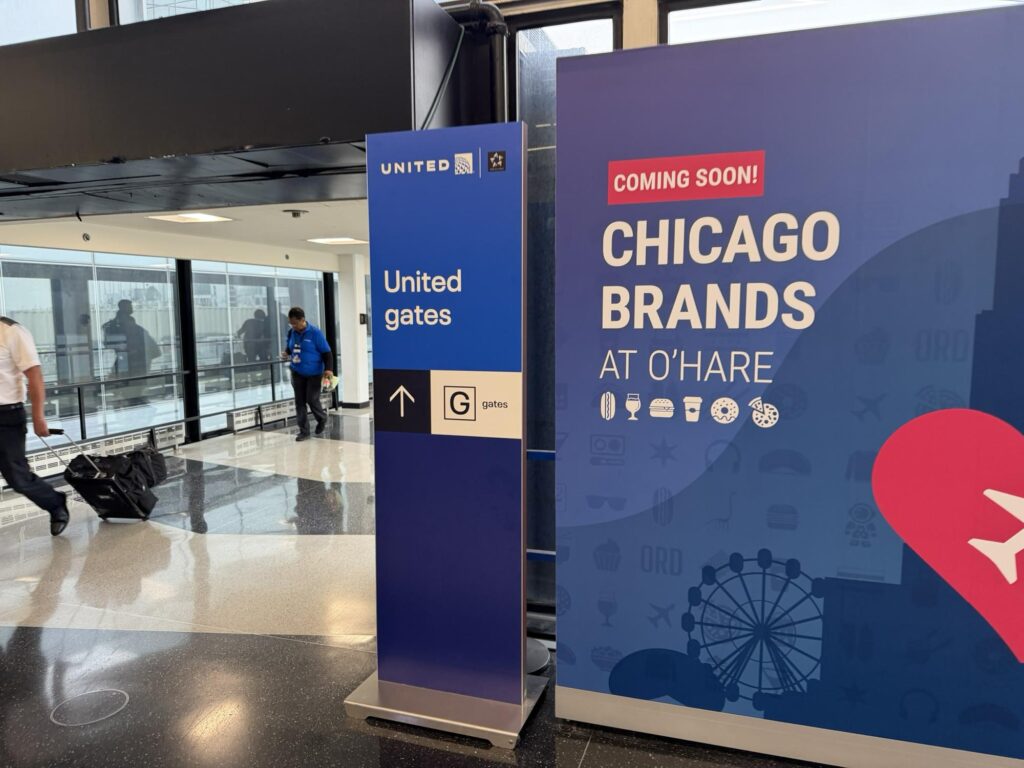
My connecting flight was departing from the G gates in Terminal 3, a common use pier that United has grown into after Spirit’s demise.
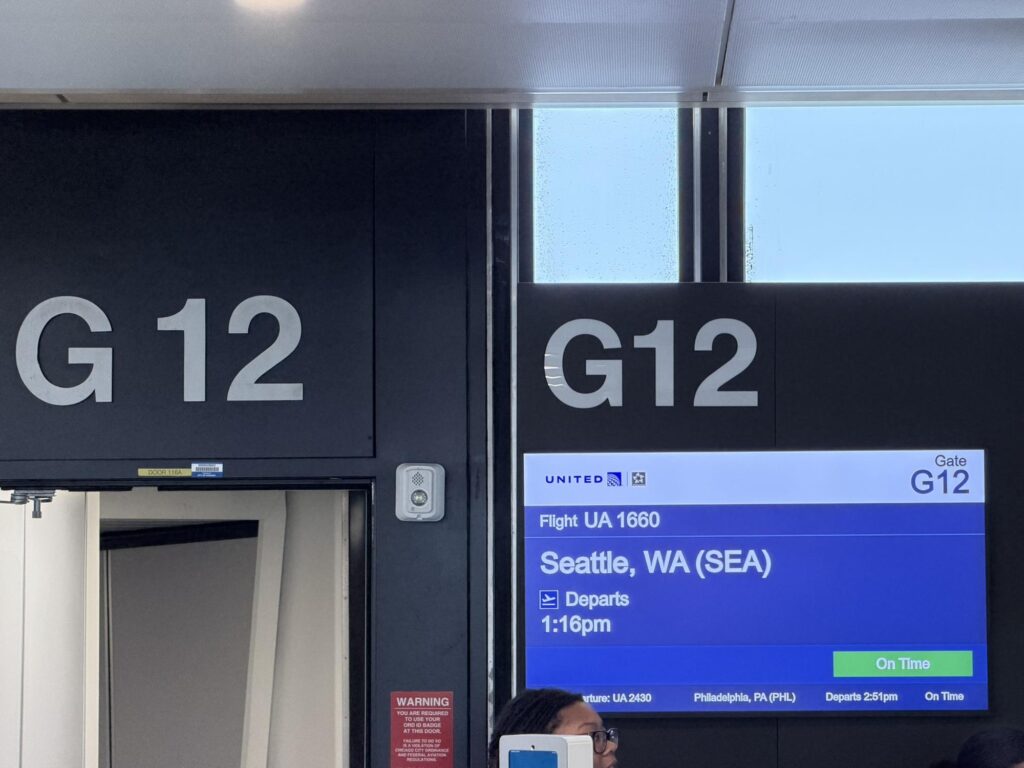
Aside from connecting to a Star Alliance partner out of Terminal 5, this is the least ideal connection possible as it takes you outside of United’s domain. Thankfully the signage throughout the walk was sufficient enough for just about anyone to make it with confidence.

This experience was about as painless as is perhaps possible on a busy travel day at a major hub.

Both of my flights arrived early, and I had plenty of time to connect. United kept me fully abreast of what was happening (it proactively alerts passengers if something goes wrong.)
United says that more than 85% of its passengers utilize its app on the day of travel. I’m not surprised. The app is simply marvelous, and really does set a standard for others to follow. Heck, it’s now available in Japanese, and offers Yen currency support.
Yet even though the award-winning app provides a wealth of useful tools, this New Yorker is going to stick to nonstop flights whenever possible.
Related Articles:
- Bungled check-in mars Frontier Airlines experience
- United Premium Plus aboard the 787: the pluses and minuses
- Blue Sky partnership benefits from uniform PaxEx at JetBlue, United
- American sets the scene for geek out on XLR — and at Cranky Dorkfest
- United Club proves perfect companion to Premium Economy flight
All images credited to the author, Jason Rabinowitz